This article applies to the Socket Mobile S700, S720, S730, S740, CHS-7ci, CHS-7di scanners.
Charging the Socket Mobile Scanner
- Connect the power pin end of the Charging Cable to the Power Connector on the right hand side of the barcode scanner.
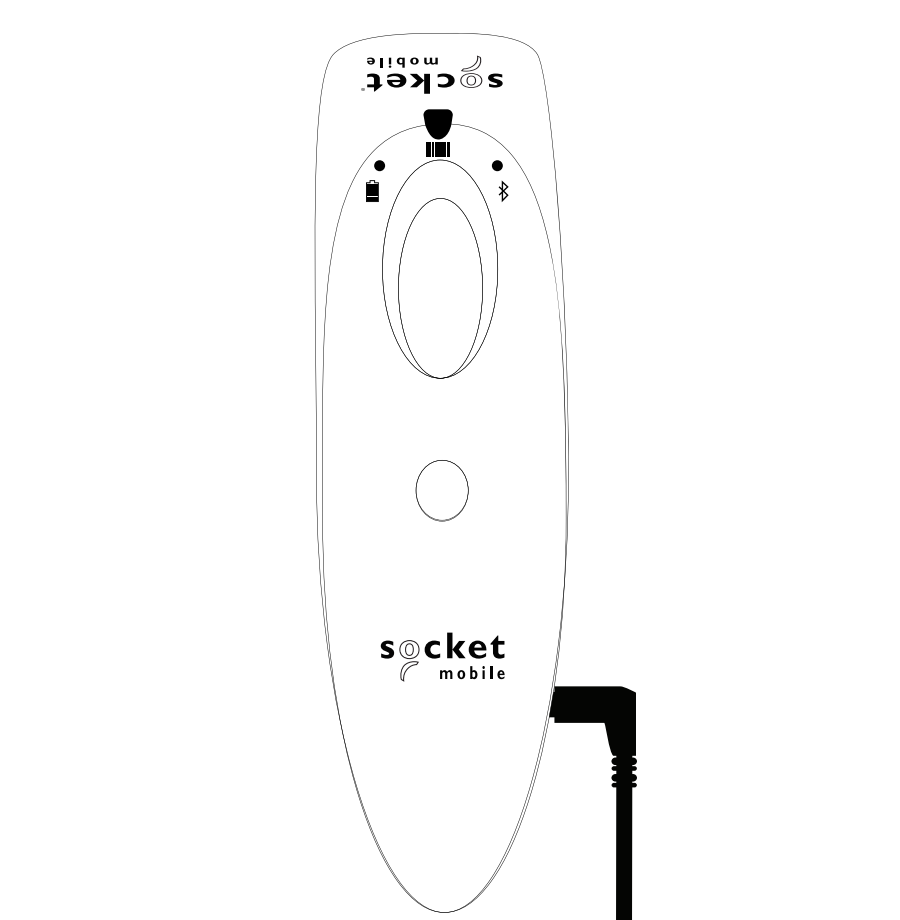
-
Connect the USB end of the Charging Cable to an AC Power Supply.
Connecting to a computer's USB port is not recommended.
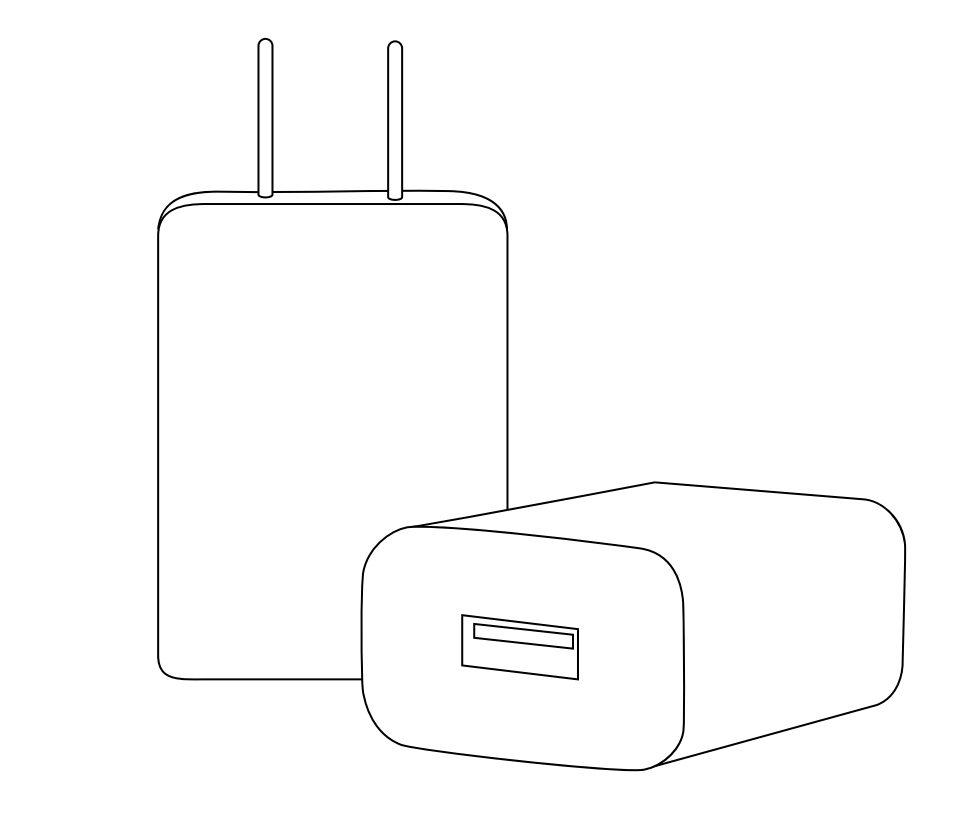
- Connect the AC Power Supply to a power outlet, preferably a Battery Backup or Surge Surpressor.
To indicate that the barcode scanner is charging, the scanner's battery light turns amber.
Once the scanner is fully charged, the battery light will turn solid green.
For more information on the SocketScan 700 Series and the DuraScan Series barcode scanners, view Socket Mobile's User Guides listed below:
- SocketScan S700 Series User Guide
- SocketScan S720 Series User Guide
- SocketScan S730 Series User Guide
- SocketScan S740 Series User Guide
- DuraScan D700 User Guide
- DuraScan D730 User Guide
- DuraScan D740 User Guide
For additional information or assistance please contact our Support Team
helpdesk@individualpos.com or (570) 906-8598 option 3
ipos-us.com
Comments
0 comments
Please sign in to leave a comment.